Your BNTO Studio comes with a range of security features. Learn how to set these up and link them to your smart phone.
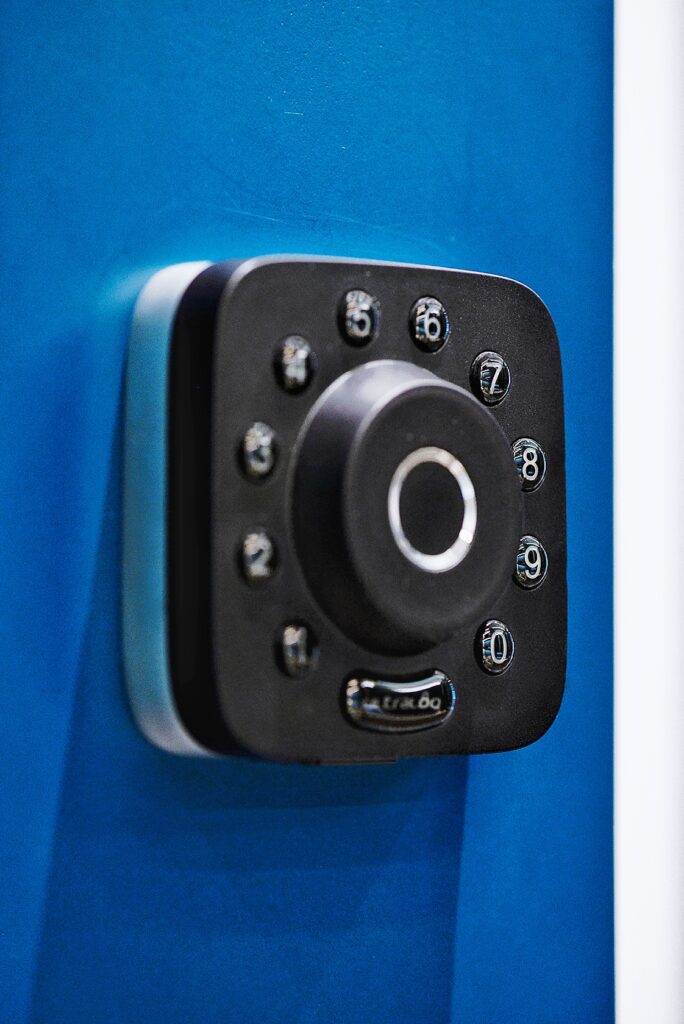
Main Door Lock
You can open the main door lock with your smart phone, fingerprint, and personal designated code with the Ultraloq App. Please note that your entry code is personally designated to you, please do not share your code with anybody, including your fellow BNTO residents.
Click here to get started with the U-tec App
- Use the QR Code or search for “U-tec” in App Store or Google Play
- Install the App and we will send you the relevant invite to set password and gain access to the main door
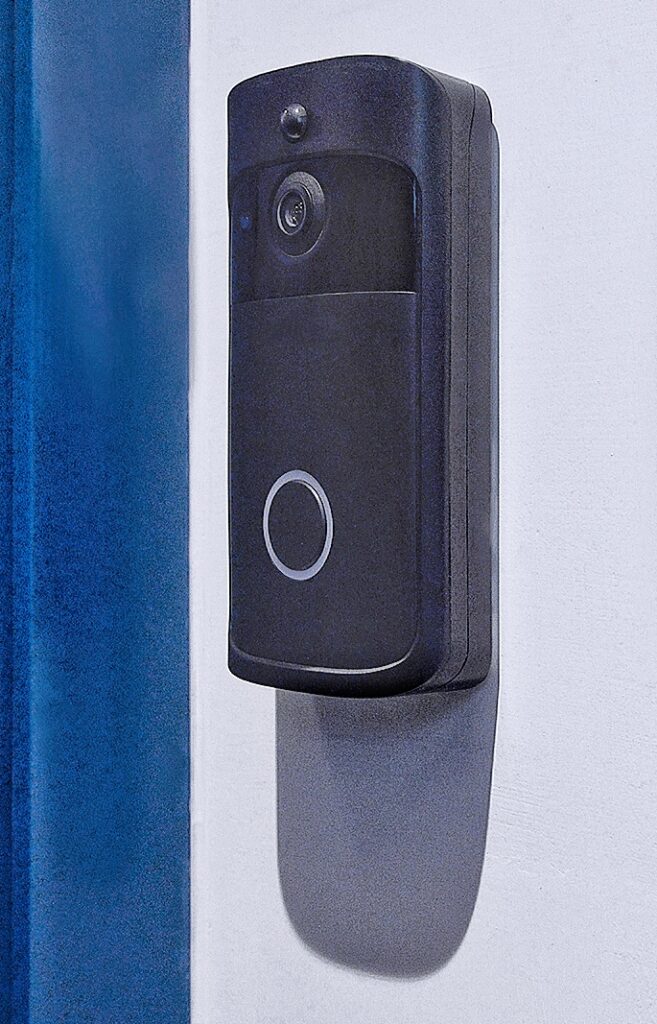
Wifi-Enabled Door Bell
Answer the door from anywhere, install the Aiwit App and never miss a visitor.
Click here to get started with the Aiwit App
- Click on the relevant button below or search for “Aiwit” in App Store or Google Play
- Install the App and we will send you the relevant invite to gain access rights to the doorbell
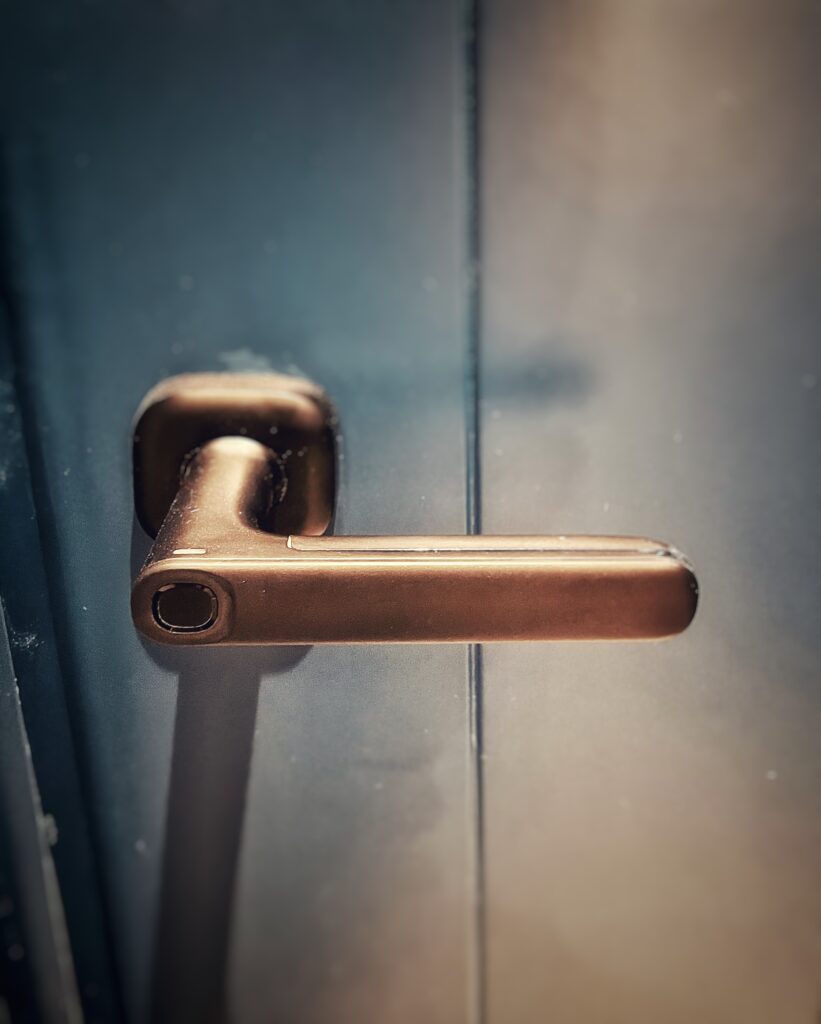
Your BNTO Studio Door Lock
You can open your own studio door lock with your smart phone, fingerprint, or a designated FOB with the Yeeuu App.
Click here to get started with the Yeeuu App
- Click on the relevant button below or search for “Yeeuu” in App Store or Google Play
- Install the App and we will send you the relevant invite to gain access to your BNTO Studio
- Optional: We can set your fingerprints to the lock during handover of the unit so you don’t need your phone to unlock your studio
- Optional: We can set you up with an access FOB. A HKD 50 deposit is required for each FOB, which will be refunded when you return the FOB
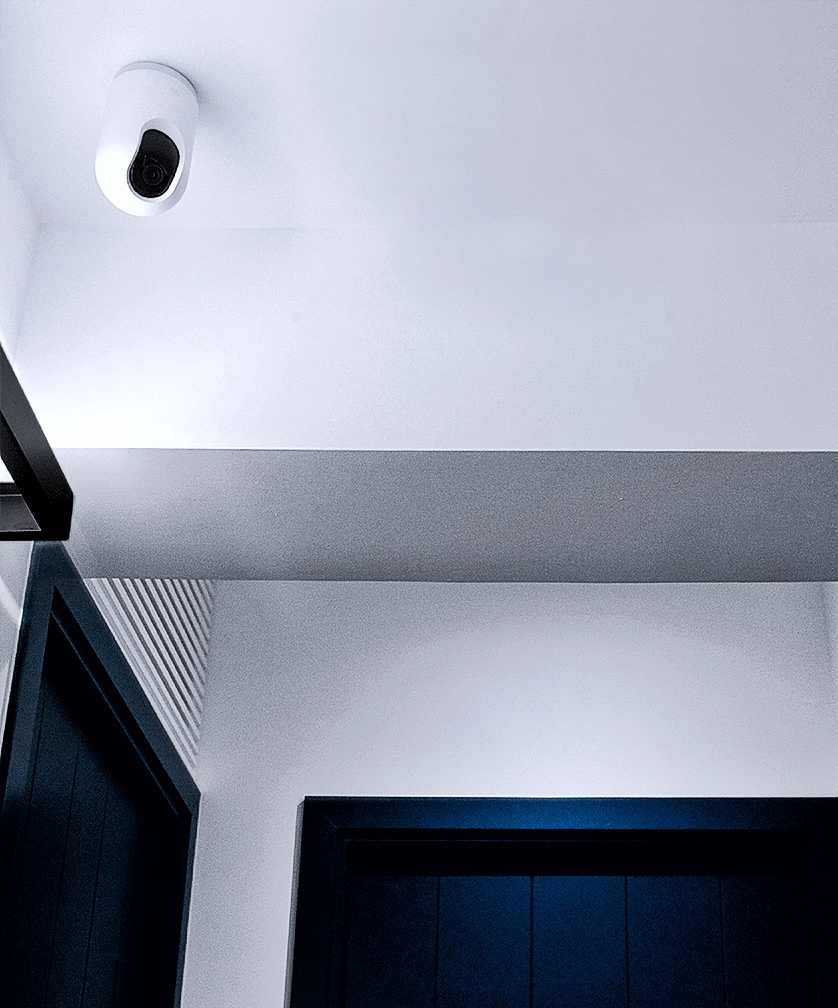
Security Camera
You can monitor the public areas near your BNTO Studio from anywhere with the Xiaomi Home App.
Click here to get started with the Xiaomi Home App
- Use the QR Code or search for “Xiaomi Home” in App Store or Google Play
- Install the App and we will send you the relevant invite to gain viewing rights to the security cameras